02
Agent
Talk to it, hand it files, have it search and lay out nodes on a canvas, and what it can see
The Agent is the chat panel on the left of every Project. Talk ideas through with it, have it look things up or find reference images, or have it lay out generate nodes on your canvas.
The panel
The panel sits on the left of the Project. You can collapse it, or drag its right edge to make it wider. “Conversation history” and “New conversation” are at the top. Each member has their own conversations; nobody else sees yours. A new conversation offers a few suggested questions you can send with one click.

Hand it files
Click “Attach files” at the bottom left of the input to add images, video, audio, PDF, Word, Excel or plain text, up to 10 per message. Type @ in your message to point at one attachment.
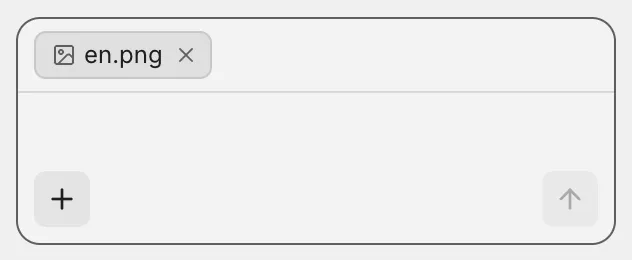
You can also hand it nodes from a canvas and text from a document; see How they work together.
What it can do
| You say | It does |
|---|---|
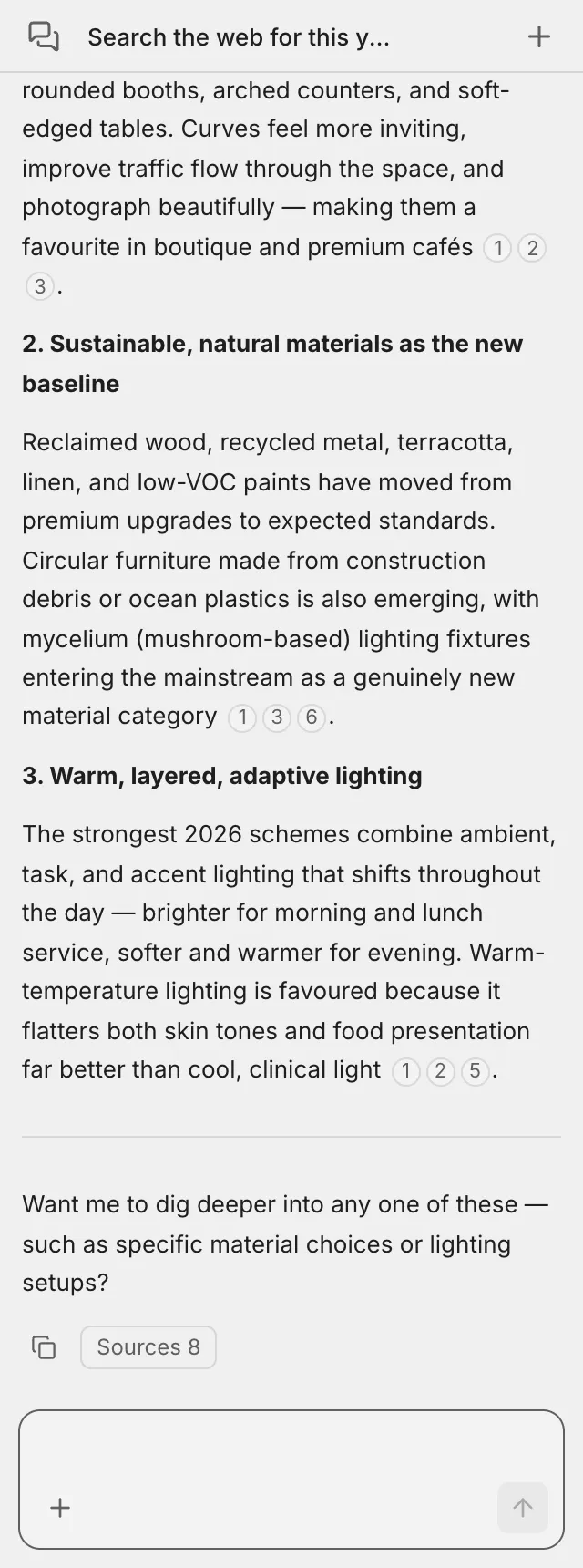
| ”Search the web for…” | Looks it up and cites its sources |
| ”Find some reference photos of…” | Searches for images and shows a row of thumbnails you can copy and paste onto a canvas |
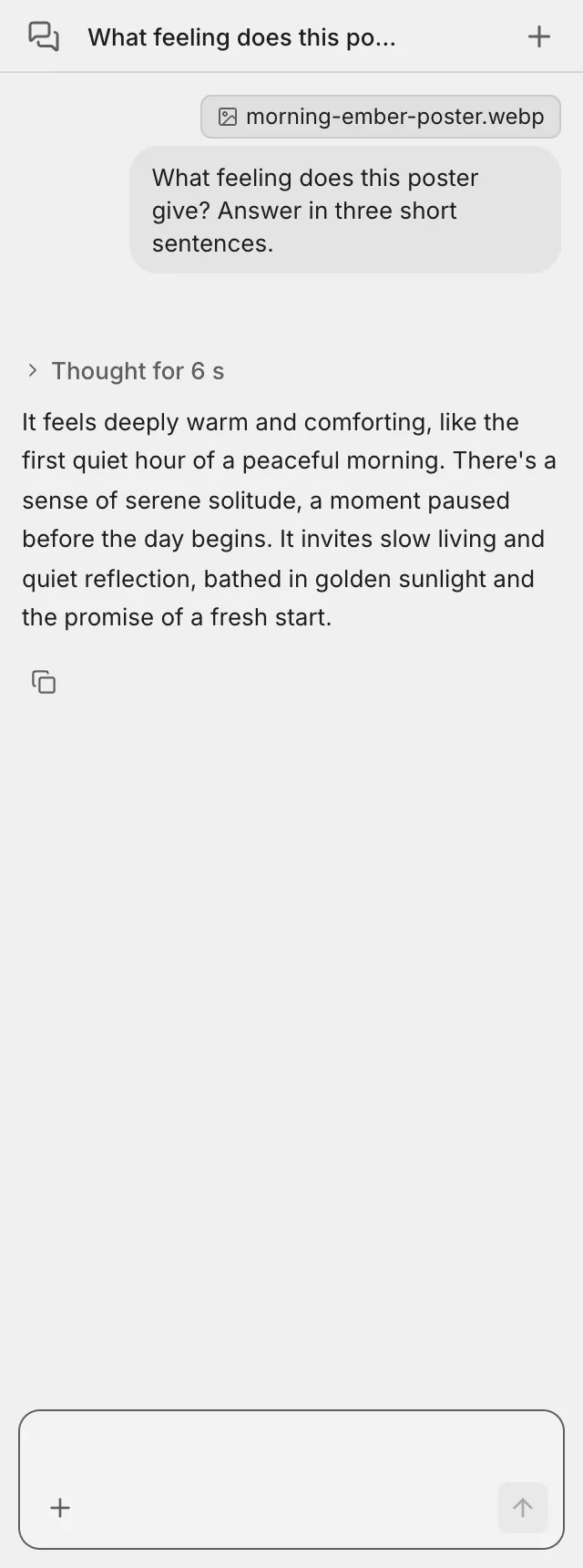
| Attach an image, video or audio and ask | Describes what is in it |
| ”Which model fits?” “What will this cost?” | Looks up generate models, their settings and prices |
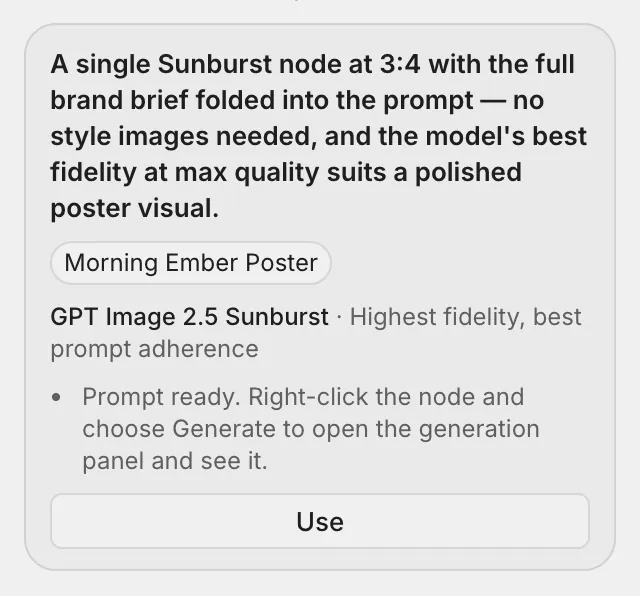
| ”Lay out … on the canvas” | Gives you a proposal card; when you click “Use”, the nodes and connections land on the open canvas |
| ”How do I…?” | Explains how to do it in the product |
When it isn’t sure what you want, it asks you and waits for your answer.
A web search answer with its sources:
Attach an image and ask, and it tells you what it sees. Here it is given the poster made in the worked example:
A proposal card:
What it can see
The Agent can’t see your screen. It sees only what you hand it: attachments, and whatever you send it with “Add to Agent” from a canvas or a document. It never edits your documents, and it changes a canvas only through a proposal card, when you click “Use”.
Memory
The Agent remembers on two levels, and both belong to you alone:
| Memory | Reach |
|---|---|
| Project memory | Carries across conversations and keeps what you have settled in this Project |
| Conversation memory | Stays within the current conversation |
When a conversation gets long, it shows “Tidying up this conversation’s memory…” before it answers.
Credits
Each turn uses credits for what it actually consumes; see Pricing.